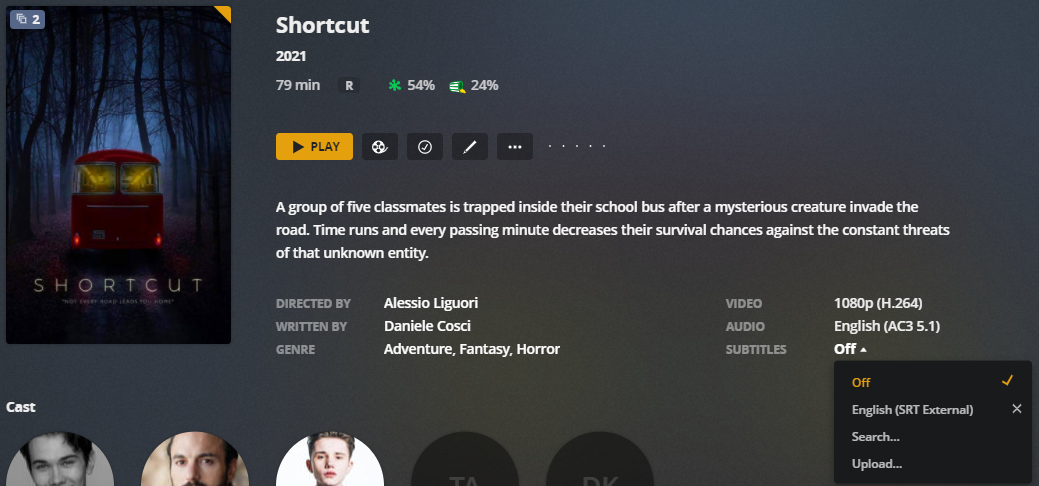
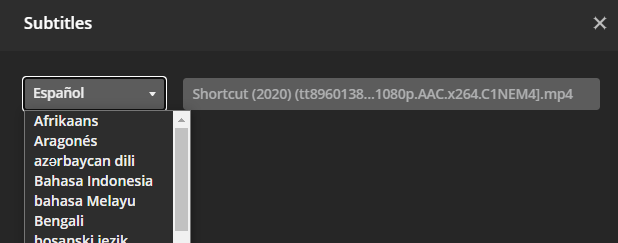
Unfortunately, sometimes our sentient robots on Discord are not able to find what you’re looking for. We use private torrents to find content, however sometimes it needs to be found manually or ripped manually.
Please contact an admin on Discord, forum or the contact form if the media you requested has not been downloaded and added within 5 days.
The kids category is for content that is PG-13 or less. If you find media in the kids category that does not fulfill this requirement, please contact an admin on Discord, forum, or the contact form.
If you are experiencing buffering please do the following first:
1. Restart your client (especially firesticks!)
2. Restart your router
3. Uninstall and reinstall your Plex/Emby App
4. If wiring your client with ethernet is a possibility, please do this over wifi. If it is not, please use 5ghz wifi over 2.4ghz if possible.
5. For “hdmi stick” type clients, especially those wedged between a TV and a wall, ensure they are not getting too hot.
6. If your client has a web browser, run speedtest from it using the links below in the next post.
7. In Emby/Plex go to video settings and set the remote/internet bandwidth to max or a static bandwidth. Do not leave it on Auto. If max doesn’t work, start from 1mbs and work your way up to determine max bandwidth before buffering.
If your content is still buffering:
Please contact an admin on Discord, forum, or the contact form with the following:
Although we have a really good CDN network, those services have a way larger and more efficient CDN network available to them.
Along with that, they also have a lot better hardware to support auto hardware and quality switching, meaning they are able to switch your quality with ease based off of internet speed and hardware speed, giving the illusion of no buffering or downtime.
Unfortunately, we do not have the GPU or CPU resources to facilitate something like that, so you will periodically get buffering if your internet speed isn’t up to par with what you’re trying to watch.
Transcoding 4K content is not allowed due to its resource-intensive nature. Modern GPUs can handle 4K transcoding, but it generally looks inferior. Direct streaming only allows 4K content for direct playing or streaming, which delivers the content in different container formats. To play 4K, increase your remote/internet bandwidth to the max.
Set bandwidth for Local/Remote/Internet to Max. Set any audio passthrough options to enabled/HDMI Ensure Subtitle processing is set to “Auto” and not “Burn in” Disable “Automatically adjust quality” For Android Plex clients disable Quality Suggestions” as well. For a comprehensive walkthrough for Plex clients, please visit https://mediaclients.wiki/
There is no one-size-fits-all solution for transcoding subtitles in Apple TV, as various factors can cause issues. Some subtitle formats require burning into the video stream, while others may require HDMI passthrough for audio. The client also plays a significant role. AppleTV has the most restrictive codec support, while Nvidia Shield is recommended for codec and media playback support. Rokus, FireTVs, and built-in Android/Smart TVs also have issues. If a 4K movie with TrueHD audio is playing, try using an alternative non-TrueHD audio track.
ProtonVPN offers a free tier for iOS and Android devices, which can be installed from their respective appstores. It can be sideloaded for Firesticks and works on the latest Chromecast with the remote. The free tier should work for HD, but results may vary for 4K. If you need faster speeds, consider upgrading to a paid plan. EU servers provide the fastest speeds under the free tier.